
Everything you need to install it right.
Parts guide, wiring diagrams for every power option, accessory setup, and troubleshooting — all in one place. Most homeowners finish in under two hours.
Before you start — read this
Your LED numbers run on 12V DC only. Never connect them directly to 110–240V AC power — this will permanently destroy the LEDs and is genuinely dangerous. Always use the included transformer (LED Driver or Solar Panel) to step down to 12V DC first. For hardwired installs, we recommend a licensed electrician for a safe, code-compliant connection.
What's in the box
Every component you might see, what it does, and its exact dimensions.
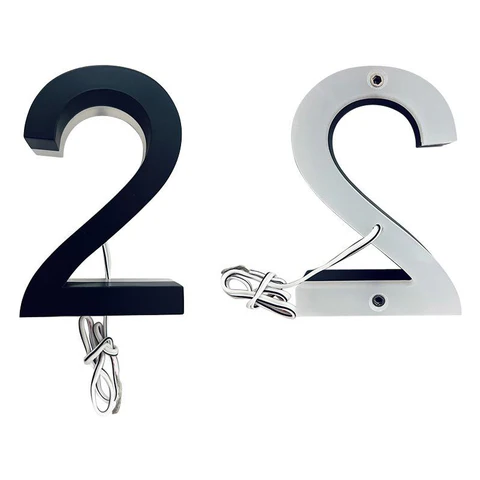
Backlit Numbers
Steel front: 0.8" · Acrylic back: 0.5"
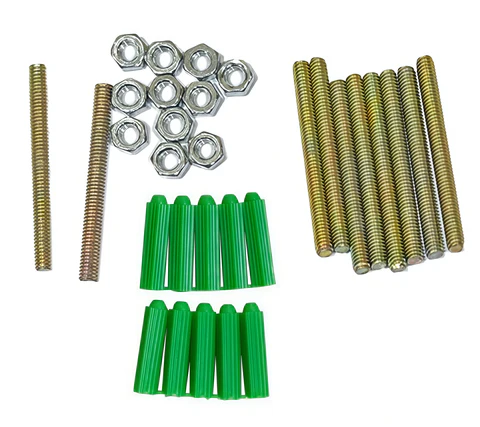
Mounting Hardware
Screw diameter: 5/32" (4mm)
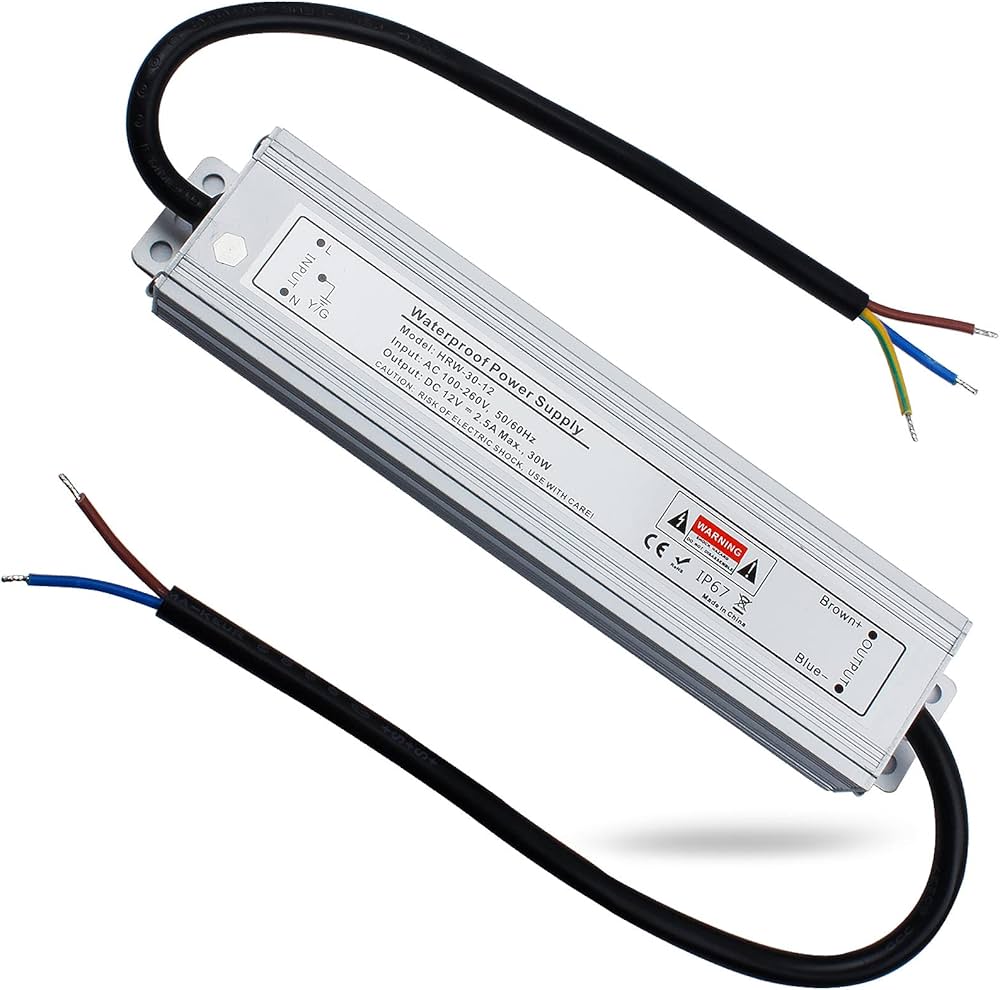
Hardwire Transformer
Dimensions: 5.79" × 1.42" × 0.87"
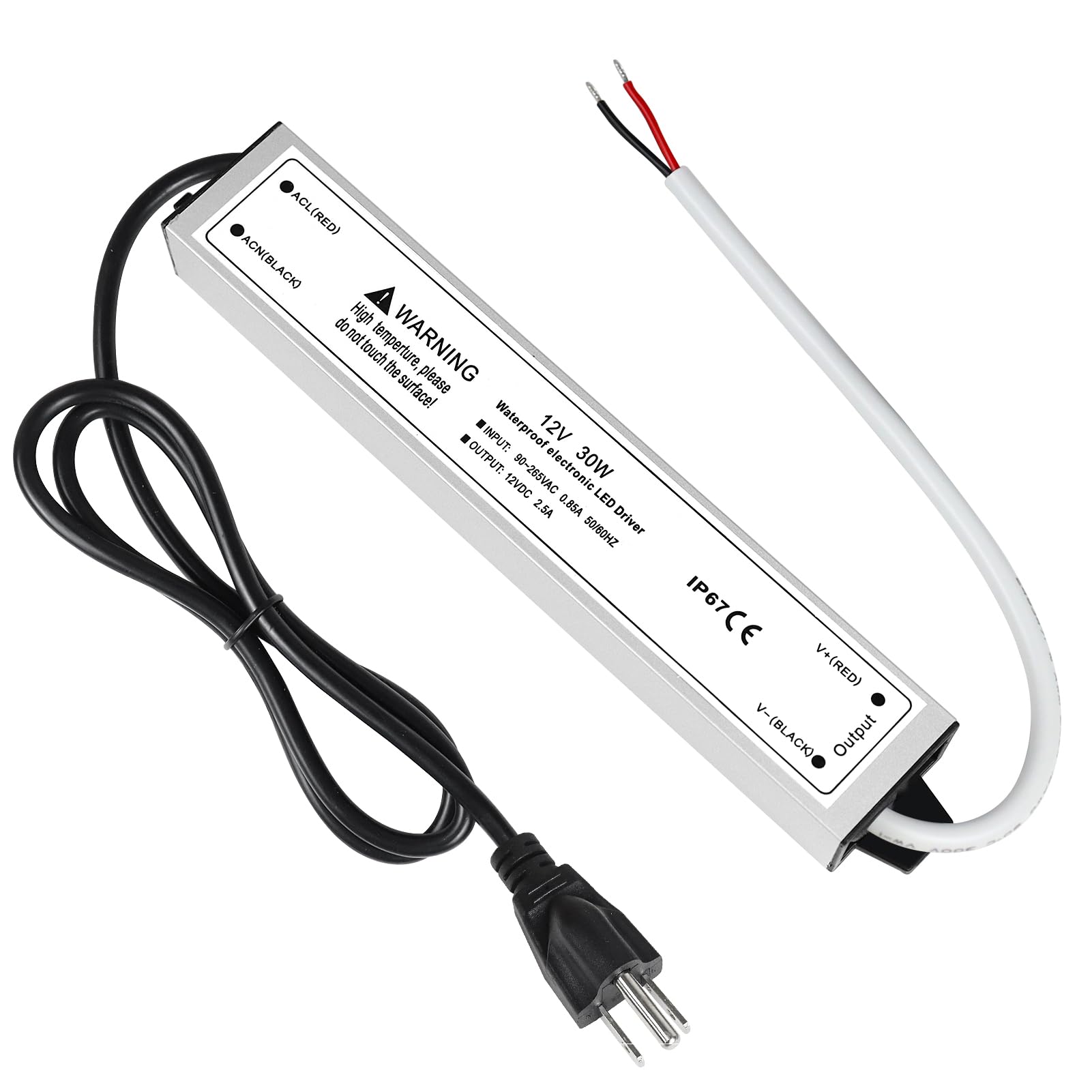
Plug-In Transformer
Zero electrical work needed
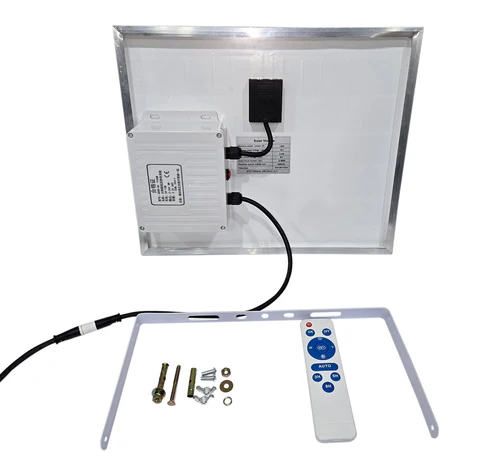
Solar Panel Power Bank
Dimensions: 11.4" × 13.78"
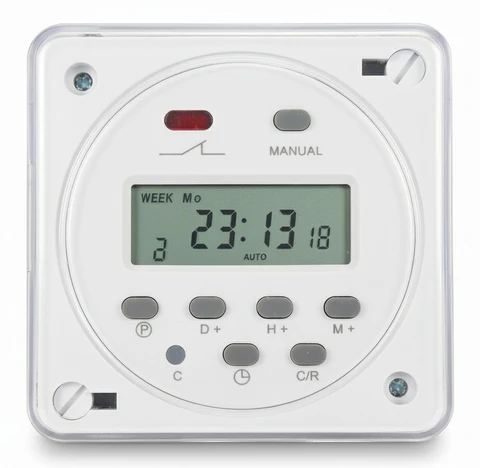
Timer — Auto On/Off
Load: 10A · Up to 20 programs
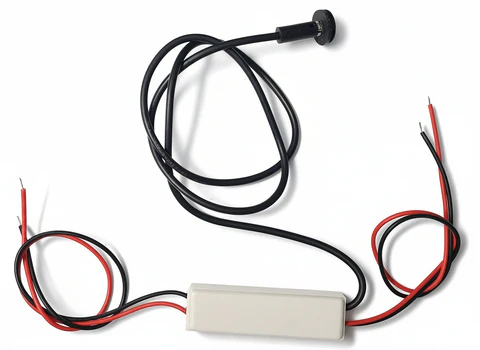
Dusk-to-Dawn Sensor
Off above 150 Lux for 10s
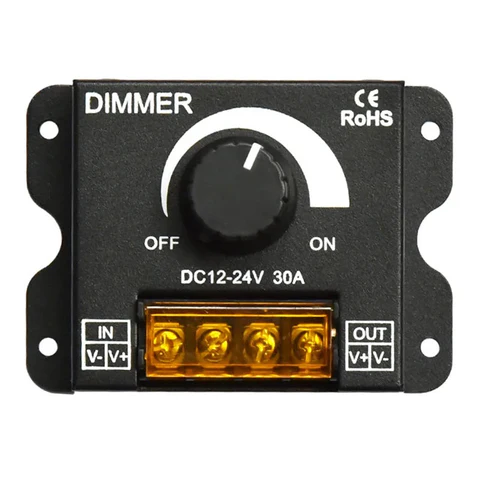
Brightness Controller
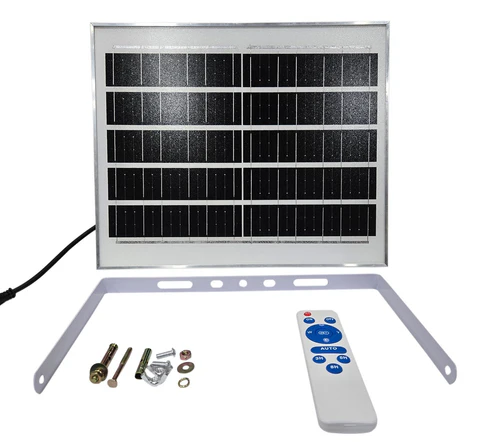
Solar Panel (standalone)
Dimensions: 11.4" × 13.78"
Four ways to power your numbers
You only need one. Pick whichever fits your home and comfort level with electrical work.
Hardwire (Recommended)
Permanent, wired directly into your home's electrical system. Cleanest look, no visible cords. Electrician recommended.
Plug-In Transformer
Plugs into any standard indoor or outdoor outlet. Zero electrical work — easiest DIY option.
Landscape Lighting
Connects to your existing 12V landscape transformer. No additional power source needed.
Solar Panel Power Bank
Fully wireless. Charges by day, powers numbers by night. Built-in dusk-to-dawn, timer, and dimming.
Mount the numbers
Most homeowners finish in 1–2 hours. Here's everything you need and each step in order.
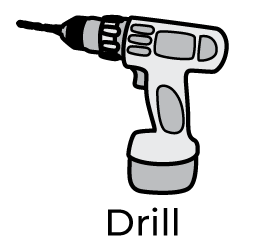 Drill with 5/32" bit
 Hammer
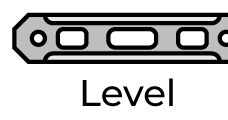 Level
Level Painter's tape
 Epoxy or silicone glue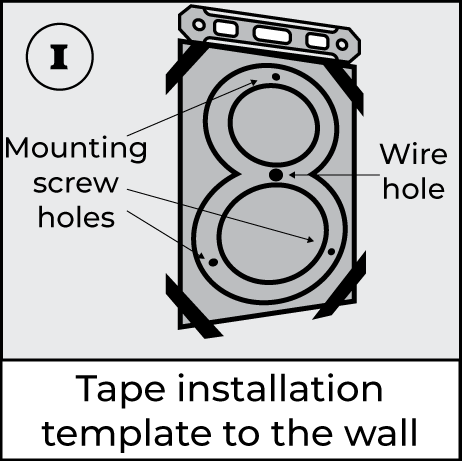
Position the template
Use a level and painter's tape to secure the paper template on the wall exactly where you want your address to sit.
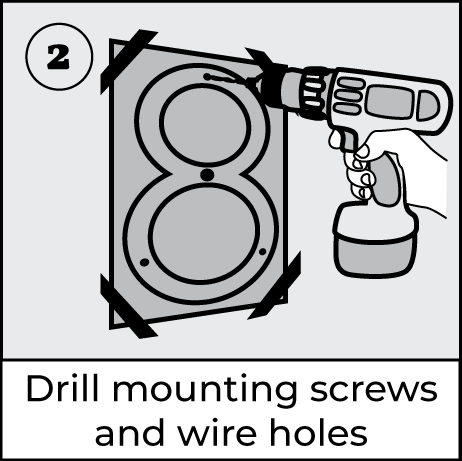
Drill the holes
Drill holes for both the mounting screws and the electrical wires at every marked point on the template.
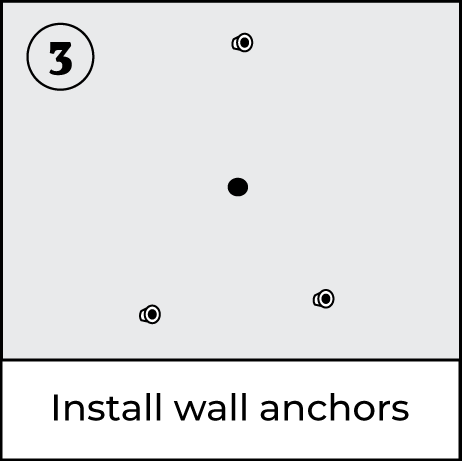
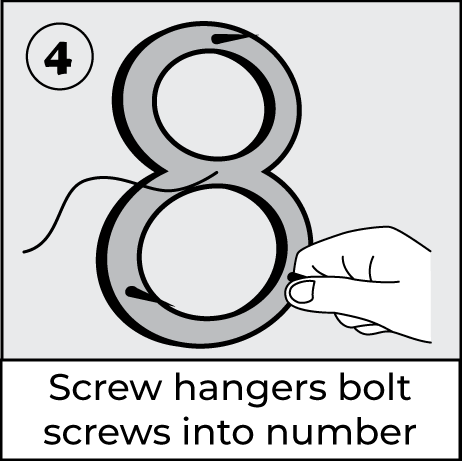
Prepare the numbers
Screw the threaded mounting rods into the back of each number before bringing them to the wall.
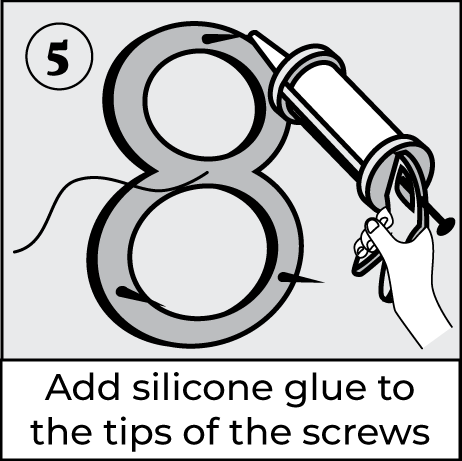
Apply adhesive
Add a small amount of epoxy or silicone glue to the end of each rod that will go into the wall, for a secure, weatherproof fit.
Mount and align
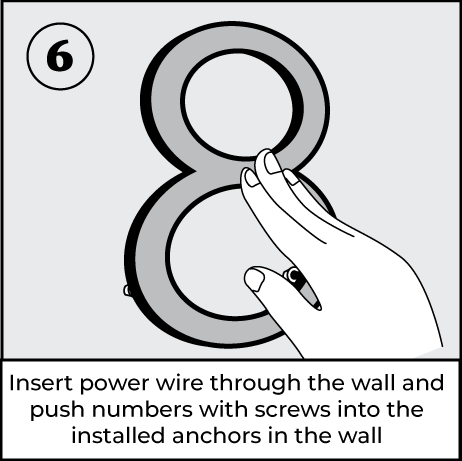
Remove the template, guide the wires and rods into the drilled holes, and press gently until each number sits flush against its spacers.
Connect power and test
Wire the numbers to your chosen power source, turn it on, and verify every number lights up evenly. Seal any exterior wire entry points with silicone.
Find your exact setup
Select your power source and accessories below to see the matching wiring diagram.
Getting your accessories running
Solar Panel System
+- Connect wires: Link all number wires, then connect to the solar panel. Make sure the "XD" connectors are aligned and firmly pushed together.
- Activate: Press the red button on the battery box to turn the system on.
- Charge: Place the solar panel where it gets at least 6–8 hours of direct sunlight.
The system is fully automatic — lights turn on at night and off during the day to charge, no remote or timer needed. To test during daylight, cover the solar panel completely; the numbers should light up.
Timer Installation & Programming
+- Unlock: Press "C/R" four times until the lock symbol disappears. Auto-locks after 15 seconds idle.
- Set time: Press "C", adjust with H+/M+, press "C" again to save.
- Program ON/OFF: Press "P" to begin, set ON time, press "P" again, set OFF time. Repeat for up to 20 programs. Press "C" to exit.
Dusk-to-Dawn Light Sensor (Standalone)
+- Avoid mounting in dark locations during daytime — it needs ambient light exposure to function.
- Keep it away from your lighted numbers and other light sources to prevent false readings.
- Mount facing north or wherever it gets daylight but not direct artificial light at night.
Solar Panel Remote (Optional)
+- ON/OFF: Manually turn lights on or off
- 3H / 5H / 8H: Auto-off after a set number of hours
- Brightness: Adjust light intensity
- AUTO: Return to standard dusk-to-dawn mode at any time
Something not working?
Most issues come down to one of these — check here before reaching out.